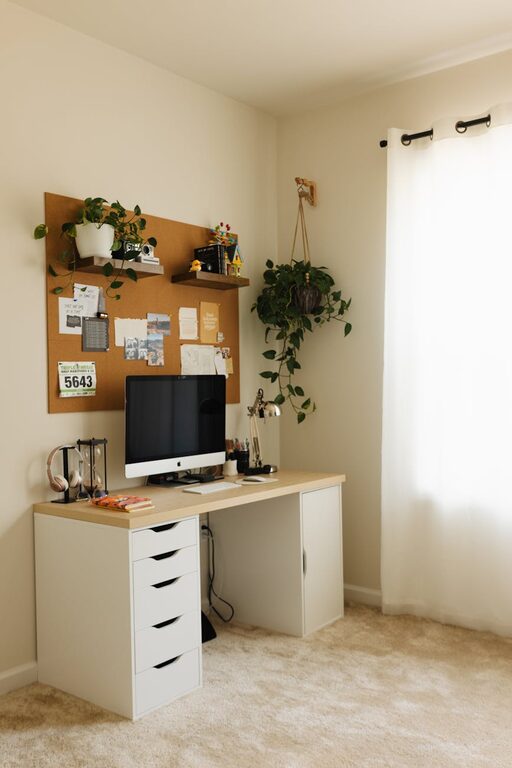
Creating a cozy and productive home office space is essential for anyone who works from home or frequently tackles tasks on their computer. The right environment can boost your focus, reduce stress, and even make your workday more enjoyable. Whether you have a dedicated room or a small corner, these tips will help you design a workspace that supports both comfort and efficiency.
Choose the Right Location
Selecting the best spot for your home office is the foundation of a productive workspace.
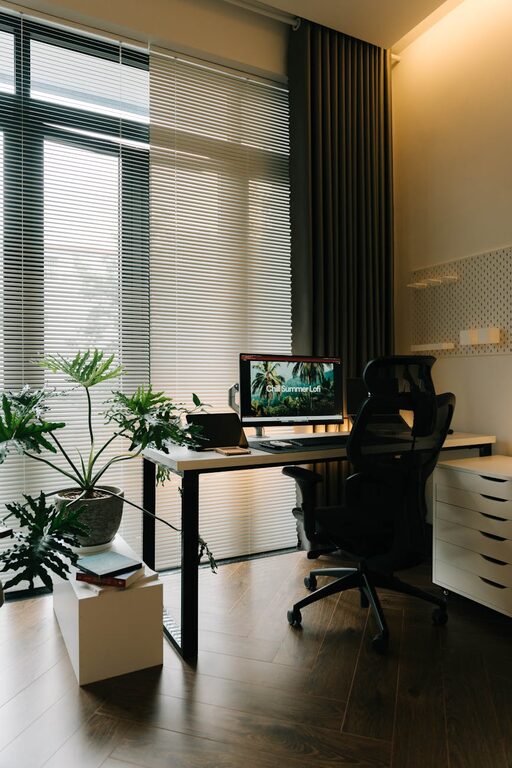
– Natural Light: Place your desk near a window if possible. Natural light improves mood and reduces eye strain.
– Quiet Area: Find a quiet corner away from distractions like the kitchen or TV.
– Space Considerations: Make sure there is enough room to move comfortably and organize your materials.
Invest in Comfortable Furniture
Comfort goes hand in hand with productivity. The right furniture makes long hours manageable.
– Ergonomic Chair: Choose a chair that supports your back and encourages good posture.
– Adjustable Desk: Consider a desk that you can raise or lower for sitting or standing.
– Desk Size: Pick a desk large enough for your computer, accessories, and paperwork without clutter.
Organize Your Workspace Effectively
A tidy workspace helps clear your mind and improves focus.
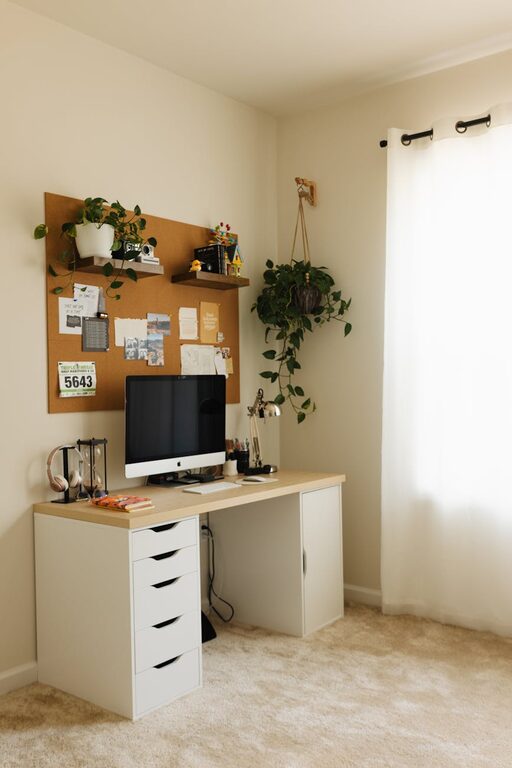
– Use Storage Solutions: Drawers, shelves, and organizers keep supplies neat and within reach.
– Declutter Regularly: Remove unnecessary items each week to maintain order.
– Cable Management: Use clips or boxes to keep cords and chargers tidy and prevent tangling.
Personalize Your Office for Comfort
Adding personal touches makes your workspace inviting and cozy.
– Decorate with Plants: Indoor plants add life to your space and can improve air quality.
– Choose Calming Colors: Soft, neutral, or pastel colors create a soothing environment.
– Add Soft Textures: A cozy rug, cushions, or a blanket can make the area feel warm and inviting.
Optimize Lighting for Productivity
Lighting plays a crucial role in how well you work.
– Task Lighting: Use adjustable lamps to focus light on your work area without glare.
– Avoid Screen Glare: Position your computer screen perpendicular to windows to minimize reflections.
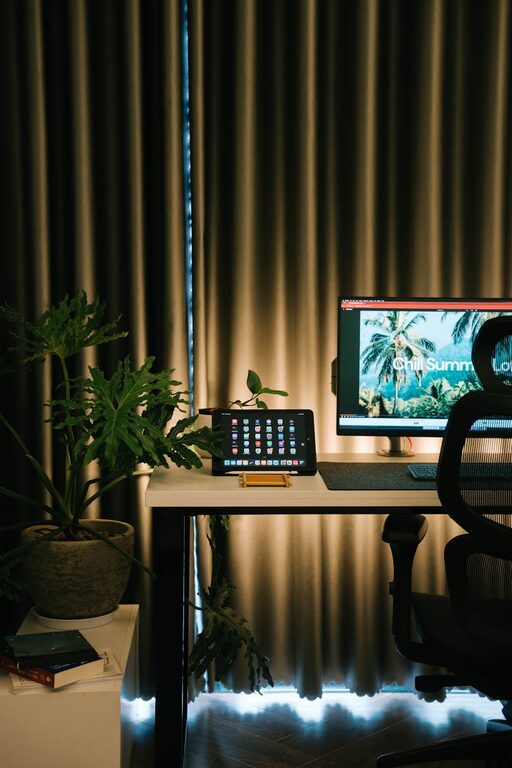
– Use Warm Bulbs: Opt for bulbs that provide warm, natural light to reduce eye strain.
Manage Noise and Distractions
Controlling sound and interruptions helps maintain focus.
– Noise-Cancelling Headphones: These can block background noise if your space isn’t entirely quiet.
– Set Boundaries: Communicate your work hours at home to minimize disturbances.
– White Noise Machines: Consider these devices to mask distracting sounds.
Incorporate Technology Wisely
The right tech setup enhances efficiency without adding clutter.
– Reliable Internet Connection: Ensure your Wi-Fi is strong and stable.
– Multiple Monitors: If your work requires it, having two screens can boost productivity.
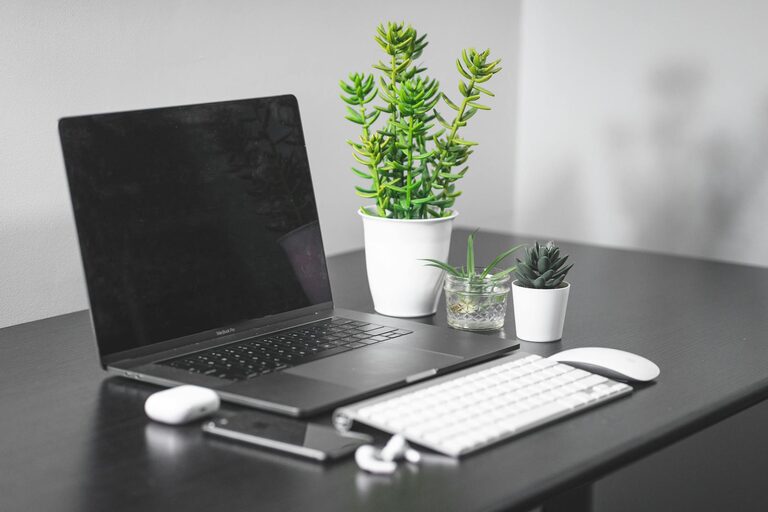
– Wireless Accessories: Wireless keyboard and mouse reduce cord clutter on your desk.
Maintain Your Workspace
Keeping your home office in good shape encourages consistent productivity.
– Daily Cleaning: Spend a few minutes each day tidying your desk.
– Regular Breaks: Step away from your desk regularly to stretch and refresh your focus.
– Adjust as Needed: Periodically assess your space and make changes to improve comfort or efficiency.
—
With these tips, you can create a home office space that is both cozy and conducive to productive workdays. A thoughtfully designed workspace not only enhances your work performance but also makes working from home a more pleasurable experience. Remember, every person’s ideal office is unique, so feel free to customize these ideas to fit your needs and preferences.
About the Author