Creating a home workspace that feels cozy and functions well is essential for anyone working remotely or managing tasks from home. A well-designed workspace can boost your productivity, reduce stress, and create a pleasant environment where you enjoy spending time. Whether you have a large room or a small corner, these tips will help you set up a workspace tailored to your needs.
Choose the Right Location
Selecting the perfect spot in your home is the first step to a great workspace. Ideally, look for an area with:
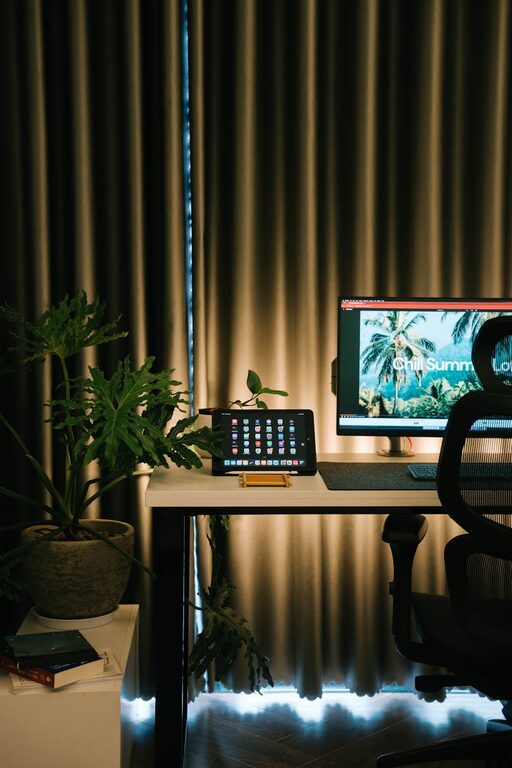
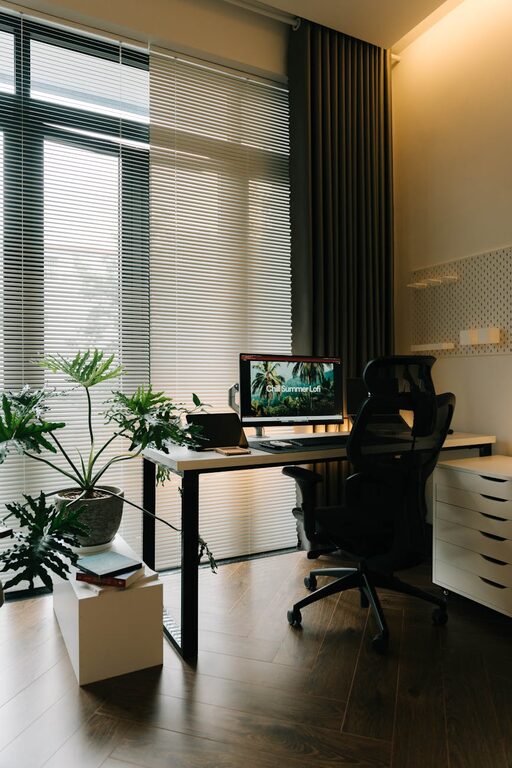
– Natural Light: Position your desk near a window to benefit from daylight, which can improve your mood and energy levels.
– Minimal Distractions: Choose a quiet corner away from high-traffic areas to maintain focus.
– Adequate Space: Ensure the area has enough room for your furniture and any work materials.
If space is tight, consider creative options like using a nook under the stairs or a fold-down desk to maximize utility without sacrificing comfort.
Invest in Comfortable, Supportive Furniture
Comfort is crucial for long working hours. Key furniture pieces include:
– Ergonomic Chair: Choose an adjustable chair with good lumbar support to protect your back.
– Desk: A sturdy desk with enough surface area keeps your tools organized and within reach.
– Footrest: Adding a footrest can improve posture and reduce fatigue.
Ergonomic setups not only make working easier but also prevent discomfort and injury over time.
Prioritize Organization and Storage
Clutter can hinder productivity and disrupt your focus. Organize your workspace by:
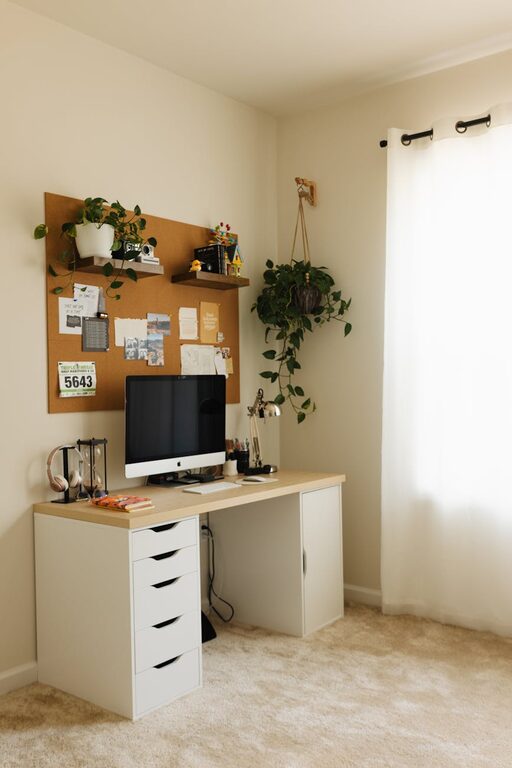
– Using drawers or shelves to store documents and supplies.
– Incorporating desk organizers for frequently used items like pens, notepads, and chargers.
– Labeling storage containers to quickly find what you need.
A tidy space fosters a clear mind and helps you stay on task.
Optimize Lighting
Proper lighting reduces eye strain and keeps you alert. Consider these tips:
– Layered Lighting: Combine overhead lights with task lighting, such as a desk lamp.
– Adjustable Lamps: Use lamps with adjustable brightness and positioning to suit the time of day and task.
– Avoid Glare: Position screens and lights to minimize glare and reflections.
If natural light is limited, daylight bulbs can simulate sunlight and improve ambiance.
Add Personal Touches for Coziness
Your workspace should feel inviting. Personalize it with:
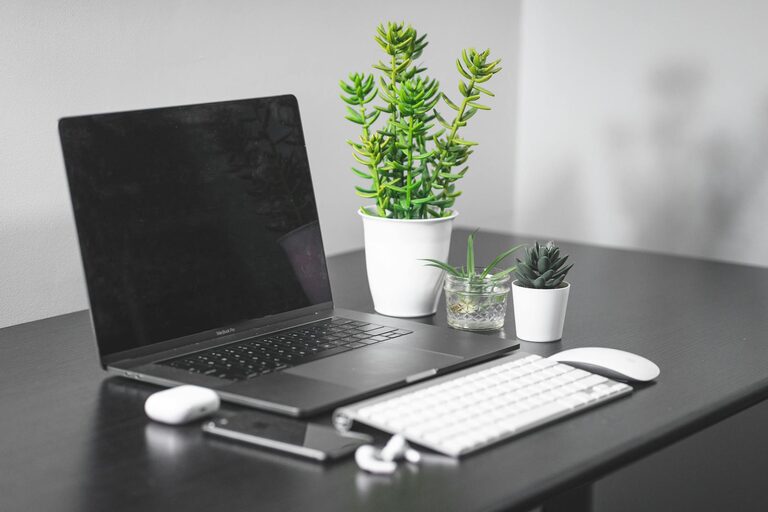
– Plants: They improve air quality and add a calming green element.
– Artwork or Photos: Choose images that inspire or relax you.
– Soft Textiles: Place a cozy rug or cushion to add warmth.
– Scent: A subtle diffuser with calming scents like lavender can enhance comfort.
Personal touches make the space uniquely yours and encourage you to spend time there.
Manage Technology Efficiently
A smooth tech setup helps you work efficiently:
– Cable Management: Use clips or sleeves to prevent tangled cords.
– Charging Stations: Keep devices powered and organized with dedicated chargers.
– Reliable Internet: Ensure your workspace has strong Wi-Fi or wired internet connection for seamless work.
Regularly updating and maintaining your tech keeps disruptions to a minimum.
Develop a Routine and Boundaries
Finally, set clear routines to make your workspace effective:
– Start and finish work at consistent times.
– Take regular breaks to stretch and rest your eyes.
– Communicate boundaries to household members during work hours.
Establishing habits around your workspace encourages productivity and work-life balance.
—
Creating a cozy and functional home workspace is an investment in your well-being and success. By carefully choosing your location, furnishing it for comfort, keeping it organized, optimizing lighting, adding personal touches, managing technology, and maintaining routines, you can transform any space into your ideal work haven. Happy decorating!
About the Author