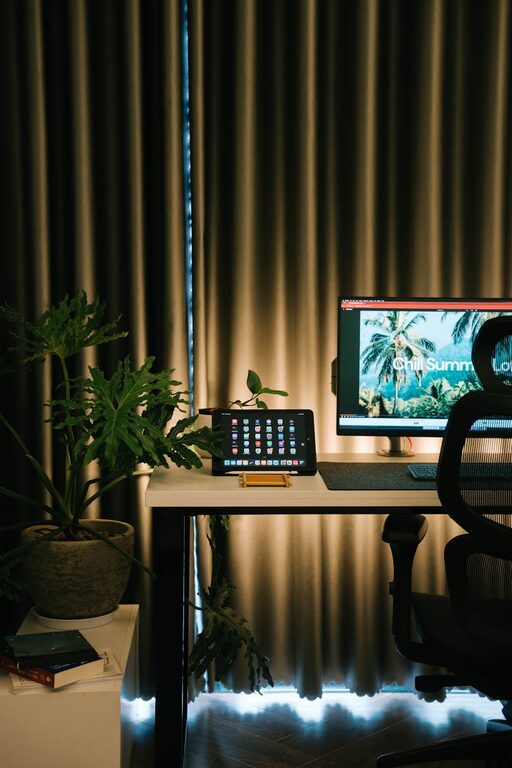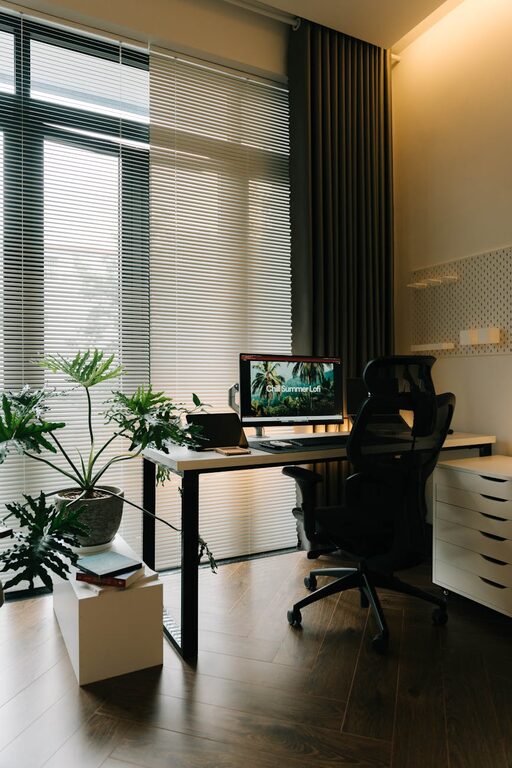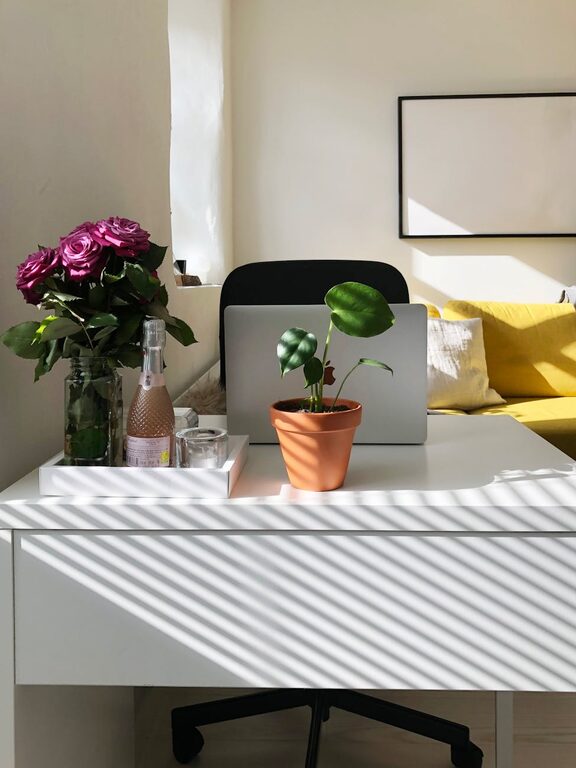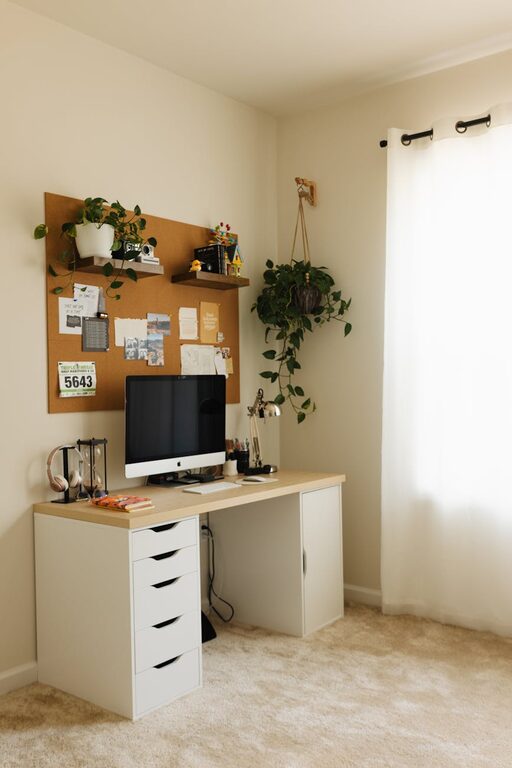
Creating a cozy and functional home office space is essential in today’s world, where remote work and flexible schedules have become increasingly common. Whether you’re setting up a dedicated room or a small nook, making the space comfortable and efficient can greatly enhance your focus and overall work experience. Here are some practical tips to help you create a home office that inspires productivity while feeling inviting.
1. Choose the Right Location
Consider Natural Light
Natural light improves mood and reduces eye strain. If possible, position your desk near a window to take advantage of daylight. If natural light is limited, opt for soft, warm artificial lighting to keep the space well-lit without harshness.
Minimize Distractions
Select a quiet corner or room where you can focus without interruptions. If that’s not an option, consider portable room dividers or noise-canceling headphones to help maintain concentration.
2. Invest in Comfortable and Supportive Furniture
Ergonomic Chair
A good chair is key for comfort during long work hours. Look for an ergonomic design that supports your back and encourages proper posture.
Suitable Desk
Choose a desk with enough surface area for your computer, notes, and other essentials. Adjustable desks that allow sitting or standing offer added flexibility.
3. Organize with Purpose
Storage Solutions
Keep your desk clutter-free with shelves, filing cabinets, or storage boxes. Use organizers like drawer dividers or desktop trays to keep small items tidy.
Keep Frequently Used Items Handy
Arrange things by frequency of use—store daily essentials within arm’s reach and reserve other materials for less accessible storage.
4. Personalize Your Space
Add Comfort Elements
Incorporate a soft rug, cozy throw blanket, or cushions to make the area feel welcoming.
Use Inspiring Decorations
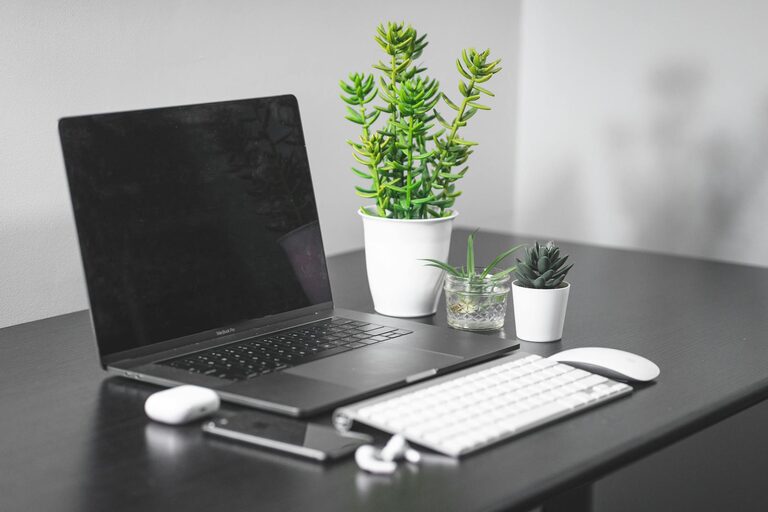
Display artwork, plants, or motivational quotes that uplift your spirits without causing distraction.
5. Optimize Technology and Connectivity
Reliable Equipment
Ensure you have a dependable computer, a fast internet connection, and necessary accessories like a printer or a headset.
Cable Management
Use clips, sleeves, or cable boxes to keep cords organized and out of sight, maintaining a neat workspace.
6. Create Zones for Different Tasks
Separate Focus Areas
If space allows, design specific zones for different activities such as a desk for computer work and a comfortable chair for reading or brainstorming.
Use Visual Cues
Rugs, lighting, or furniture arrangement can define zones and help your brain switch between tasks more effectively.
7. Incorporate Good Lighting
Layer Your Lighting
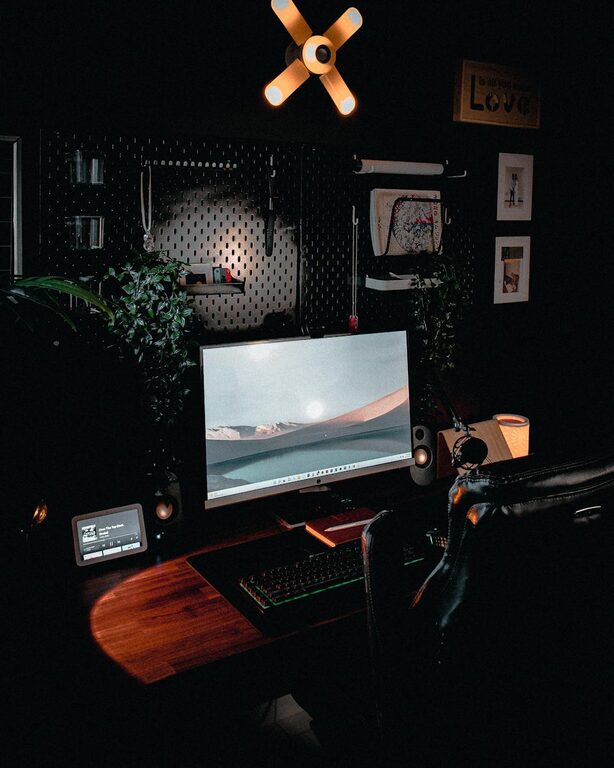
Combine ambient, task, and accent lighting to reduce eye strain and create a visually comfortable environment.
Adjustable Lamps
Desk lamps with adjustable brightness allow you to tailor light levels depending on the time of day or the activity.
8. Maintain a Healthy Workspace
Take Breaks
Set reminders to take short breaks, stretch, or step outside to refresh your mind and prevent fatigue.
Indoor Plants
Adding plants can improve air quality and create a calming atmosphere, contributing to better focus and well-being.
9. Keep It Flexible
Modular Furniture
Choose pieces that can be easily moved or rearranged to accommodate changing needs or different work modes.
Multi-purpose Space
Design your office to double as a hobby area, reading nook, or creative corner if space is limited.
—
Designing a cozy and functional home office doesn’t have to be complicated. By focusing on comfort, organization, and personalization, you create a space that supports your productivity and well-being. Take time to adjust your setup as your needs evolve, ensuring your home office continues to be a pleasant and efficient place to work.
About the Author