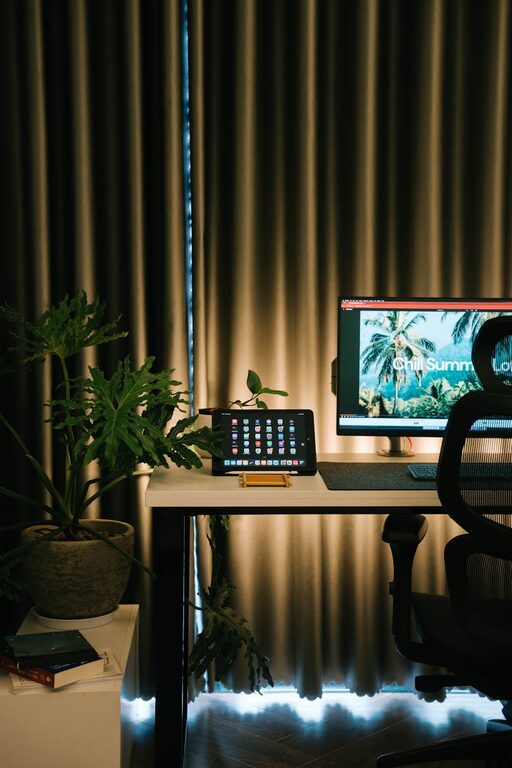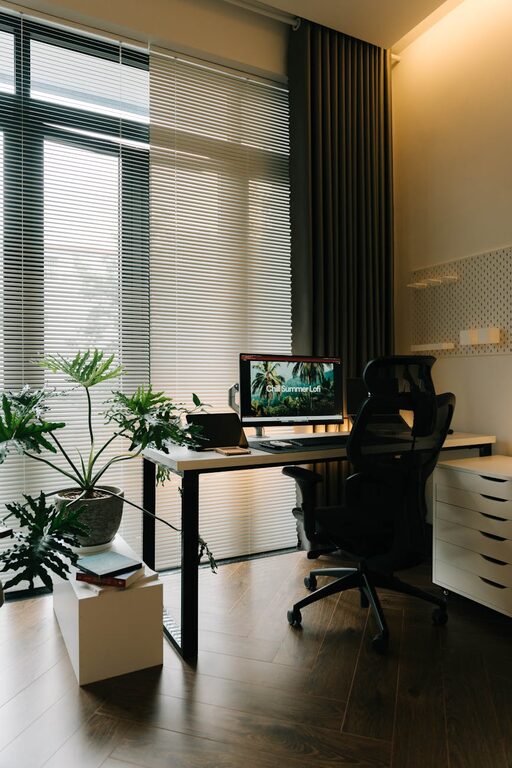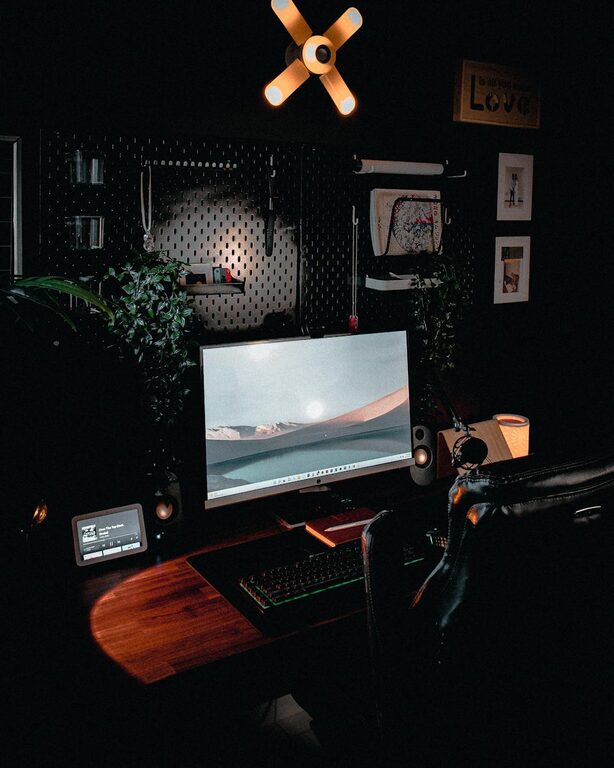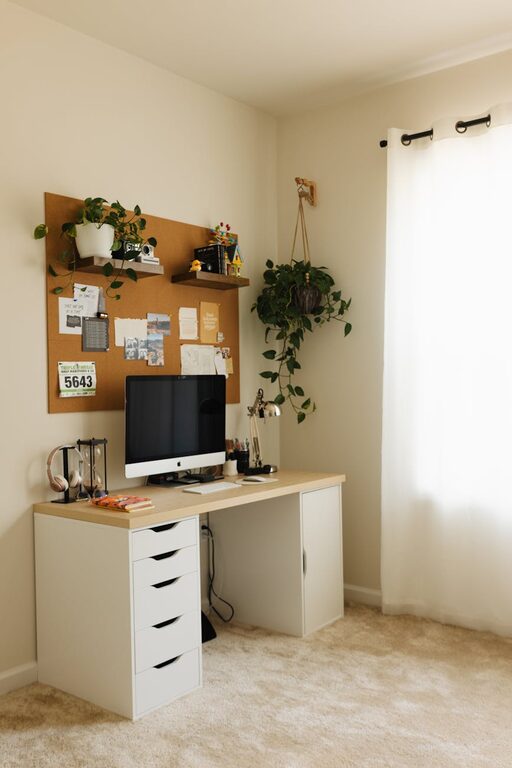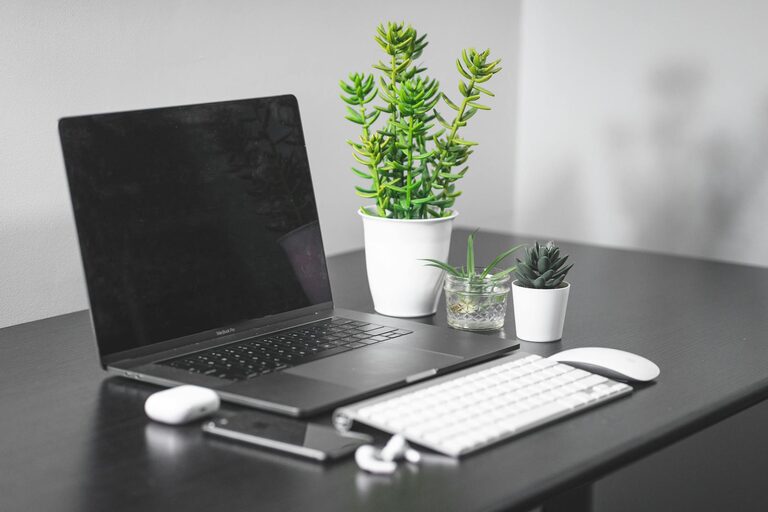
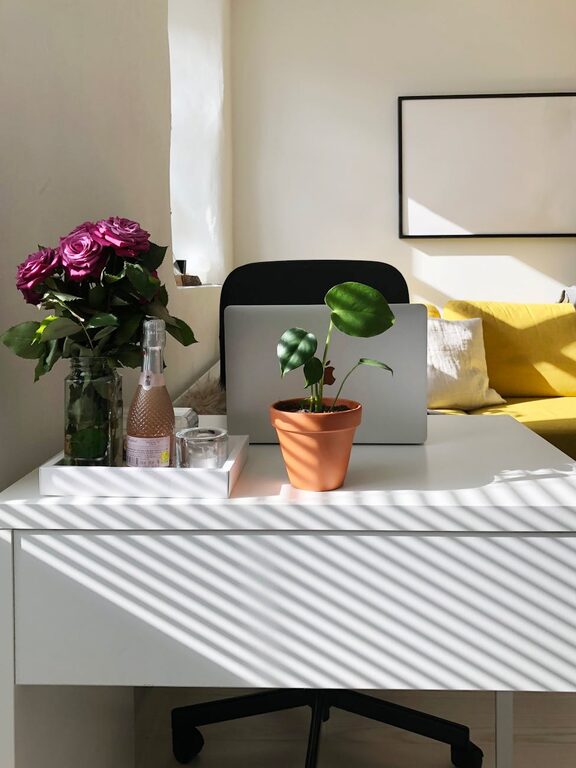
Creating a home office that strikes the right balance between cozy and productive can transform your work-from-home experience. Whether you’re freelancing, managing a remote team, or simply need a dedicated space for focused tasks, the environment around you plays a big role in how well you work. Here are practical tips to help you design a home office that fosters comfort and efficiency.
1. Choose the Right Spot
Selecting the ideal location for your office is the first step. Consider these factors:
– Natural light: Work near a window if possible. Natural daylight boosts mood and energy.
– Quiet environment: Pick a space away from household noise and distractions.
– Space considerations: Ensure there’s enough room for your desk, chair, and storage without feeling cramped.
If space is limited, even a corner of a living room or bedroom can be adapted neatly.
2. Invest in Ergonomic Furniture
Comfort is key for long working hours. Ergonomic furniture supports your body and reduces strain.
– Chair: Choose one with adjustable height, lumbar support, and comfortable cushioning.
– Desk: Select a desk with enough surface area for your computer, paperwork, and other essentials.
– Monitor height: Position screens so the top is at or slightly below eye level to avoid neck pain.
Standing desks or sit-stand converters are excellent options if you want to alternate between sitting and standing.
3. Optimize Lighting
Good lighting keeps you alert and reduces eye strain.
– Ambient lighting: Use overhead lights or lamps that evenly illuminate the space.
– Task lighting: Add a desk lamp focused on your work area for detailed tasks.
– Avoid glare: Position your screen to minimize reflections from lights or windows.
Warm-toned bulbs create a cozy atmosphere, while cooler bulbs support alertness.
4. Personalize Your Space
Adding personal touches makes your office inviting and inspiring.
– Decor: Include artwork, plants, or photos that bring you joy.
– Color: Choose soothing wall colors or accessories that promote calmness.
– Textures: Soft rugs, cushions, or curtains add warmth and reduce echo.
Keep personalization balanced to avoid clutter.
5. Keep It Organized
Clutter can hinder productivity. Maintain an efficient system with:
– Storage solutions: Use shelves, drawers, or filing cabinets to store documents and supplies.
– Cable management: Organize cords with clips or sleeves to keep them out of the way.
– Daily tidying: Spend a few minutes each day clearing your desk.
Clear surfaces help maintain focus and reduce stress.
6. Incorporate Plants
Adding greenery has multiple benefits:
– Air quality: Plants help purify the air.
– Mood boost: Nature elements improve mental well-being.
– Visual appeal: A splash of green enlivens the space.
Choose low-maintenance plants like succulents, snake plants, or pothos for easy care.
7. Control Noise
To stay focused, it’s important to minimize unwanted sounds.
– Noise-canceling headphones: Great for blocking distractions.
– Soft furnishings: Rugs, curtains, and cushions absorb sound.
– White noise machines or apps: These can mask background noise and improve concentration.
Experiment to find what works best for your environment.
8. Maintain Good Air Quality and Temperature
A comfortable climate makes it easier to concentrate.
– Ventilation: Open windows regularly or use air purifiers.
– Temperature control: Adjust heat or cooling so the room stays comfortable.
– Humidity: Use a humidifier or dehumidifier if needed to keep air balanced.
A fresh and pleasant atmosphere supports productivity.
9. Set Up Technology Thoughtfully
Ensure your tech setup is both functional and clutter-free.
– Reliable internet: A strong connection prevents frustration during calls or uploads.
– Peripherals: Use wireless keyboards, mice, or headsets to reduce wires.
– Backups: Keep files backed up regularly to avoid data loss.
Keep a charging station handy for devices.
10. Create Boundaries Between Work and Home Life
Finally, set clear boundaries to maintain work-life balance:
– Defined hours: Stick to regular working times.
– Separate space: Avoid using your workspace for non-work activities.
– Visual cues: Use screens or room dividers if your office is in a shared area.
When your work is done, step away from the space to help you unwind.
—
By thoughtfully designing your home office with these tips, you can enjoy a workspace that feels welcoming and supports your productivity. Remember, small changes can make a big difference in how you experience your workday at home.
About the Author